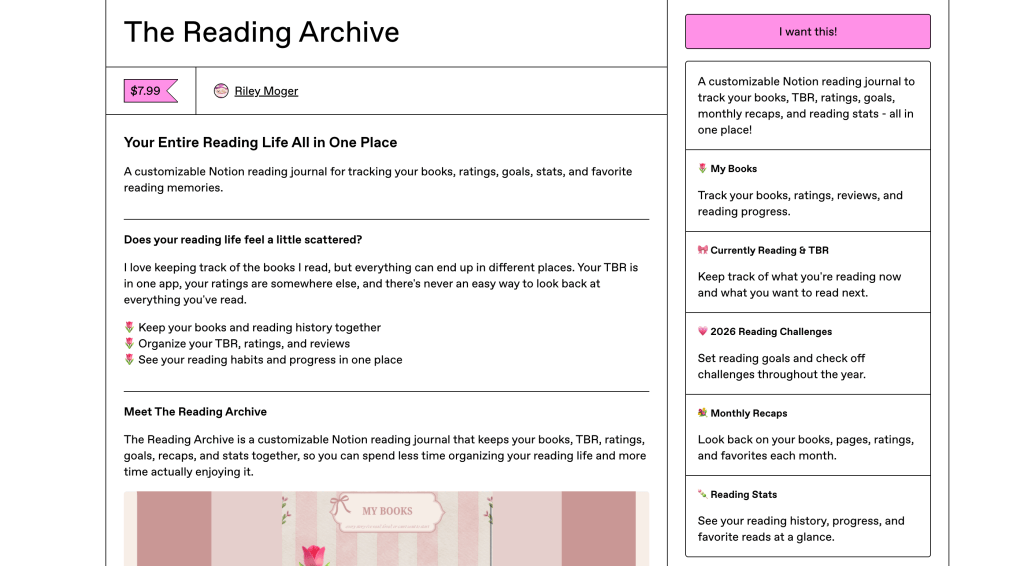
Your personal space to track, organize, and reflect on every chapter of your reading journey.
Project Overview
Project: The Reading Archive
Project Type: Individual Digital Product Launch
Tools: Notion, Canva, WordPress
Role: Digital Product Creator, UX Designer & Content Designer
Timeline: September – October 2026
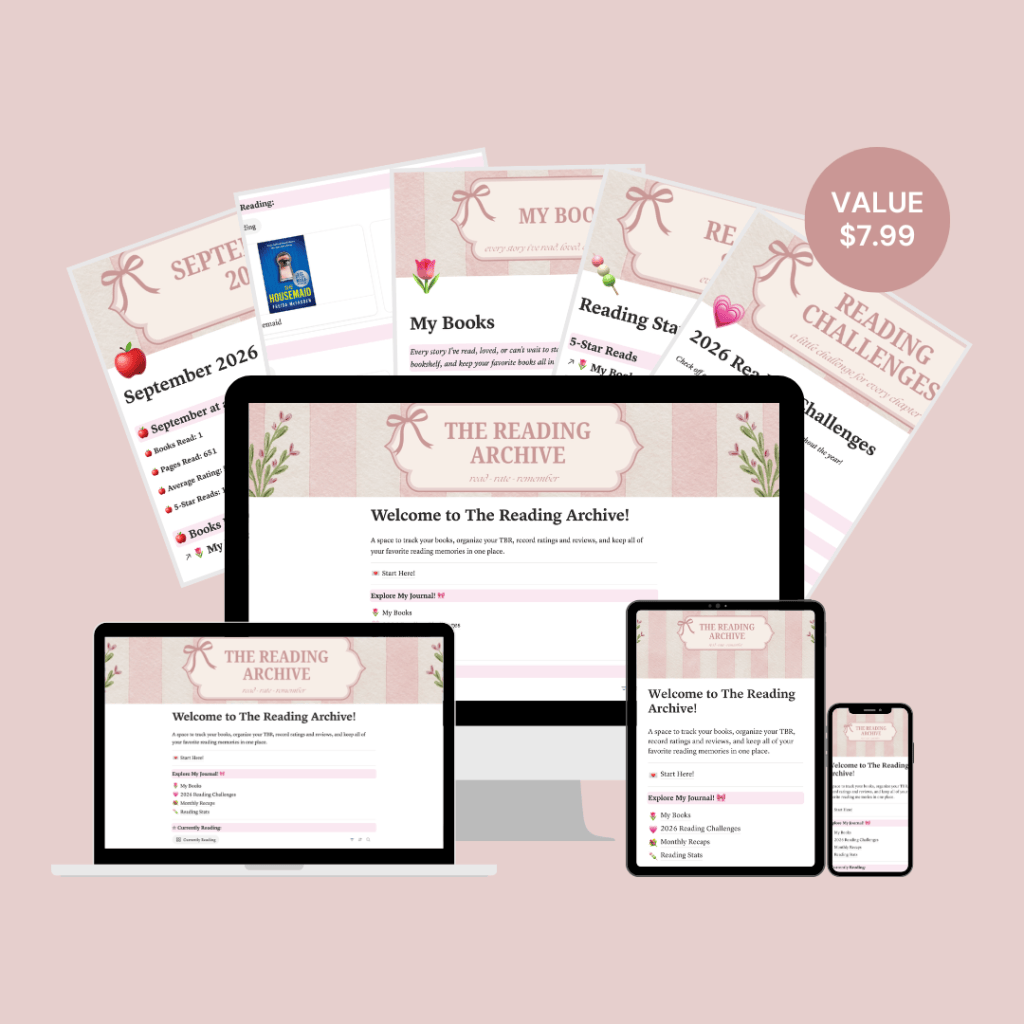
The Reading Archive is a digital reading journal designed for book lovers who want a more organized and personalized way to track their reading journeys. Built using Notion, the journal brings together reading lists, book reviews, reading statistics, and personal reading goals in one place. My goal was to create something that was not only functional but also aesthetically pleasing, making the experience of tracking books just as enjoyable as reading them.
The Problem
Scattered Tracking
Reading lists, reviews, and goals can end up in different places.
Reading Goals
Tracking progress and remembering past reads can feel overwhelming.
Personalization
Readers may want more creative control over their journals.
My Approach
1. Research & Planning
Before creating The Reading Archive, I wanted to understand what readers actually look for in a digital reading journal. I explored existing reading journals and customer reviews to identify which features people found useful and which aspects of their experience could be improved.
Through this research, I noticed that organization, customization, and aesthetics were important factors. I also wanted to avoid making the journal feel overly complicated or time-consuming to use. These insights helped me prioritize features that would make tracking books both functional and enjoyable.
2. Designing the Experience
Once I had a clearer understanding of what readers might want from a digital journal, I began thinking about how The Reading Archive should look and function. I wanted to create something that felt like a personal reading diary rather than a traditional spreadsheet or tracker.
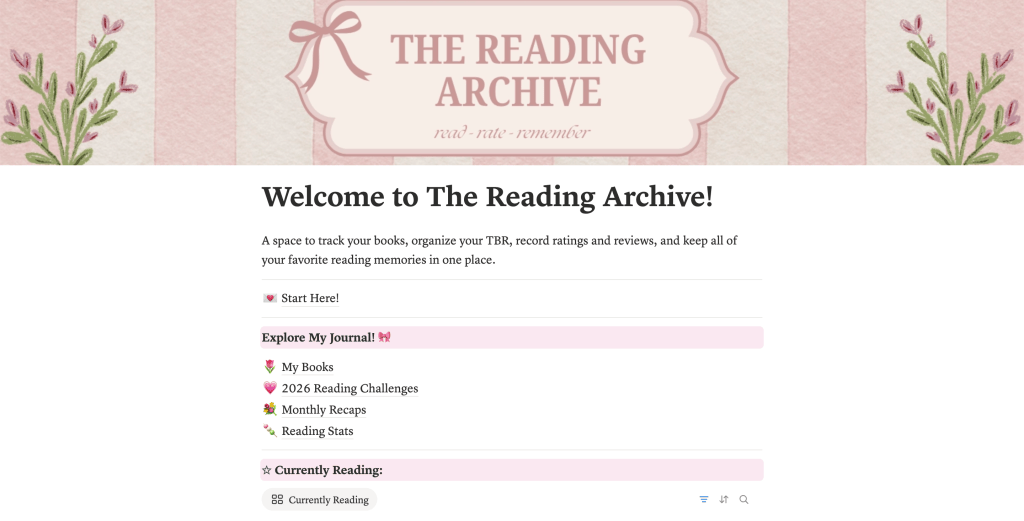
I chose a soft pink color palette, decorative bows, and book-inspired elements to give the journal a cozy, feminine aesthetic. Using Canva, I created visual elements that helped establish a consistent identity throughout the product. In Notion, I focused on making the layout easy to navigate so readers could quickly access their books, reviews, reading statistics, and goals without feeling overwhelmed.
3. Building The Project
After establishing the overall design, I began building The Reading Archive in Notion. My main priority was creating a space where readers could easily organize their books while still having the freedom to personalize their experience.
I developed different sections for tracking books, recording ratings and reviews, monitoring reading statistics, and setting reading goals. I also incorporated reading challenges and monthly planning features to make the journal more interactive. Throughout the process, I focused on keeping the layout consistent and the navigation simple so that readers could spend less time figuring out how to use the journal and more time enjoying their reading journey.
What I Built
My Books
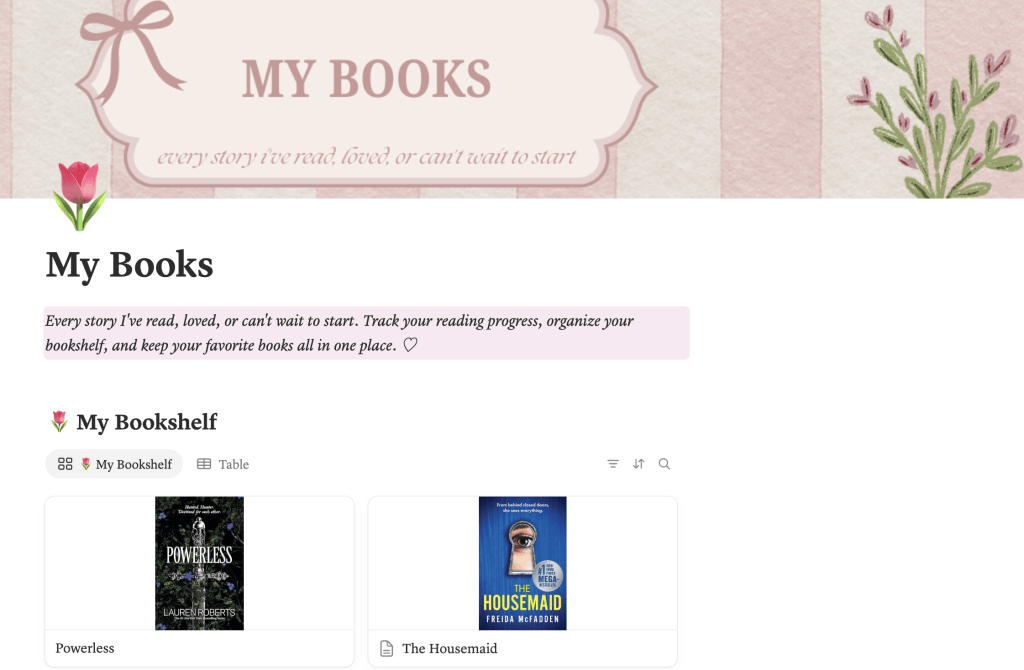
The My Books section acts as a personal digital bookshelf where readers can organize their reading history, track their progress, and keep their ratings and reviews in one place.
I wanted this feature to feel like a personal library that readers could continue building as they discover new stories.
Reading Stats
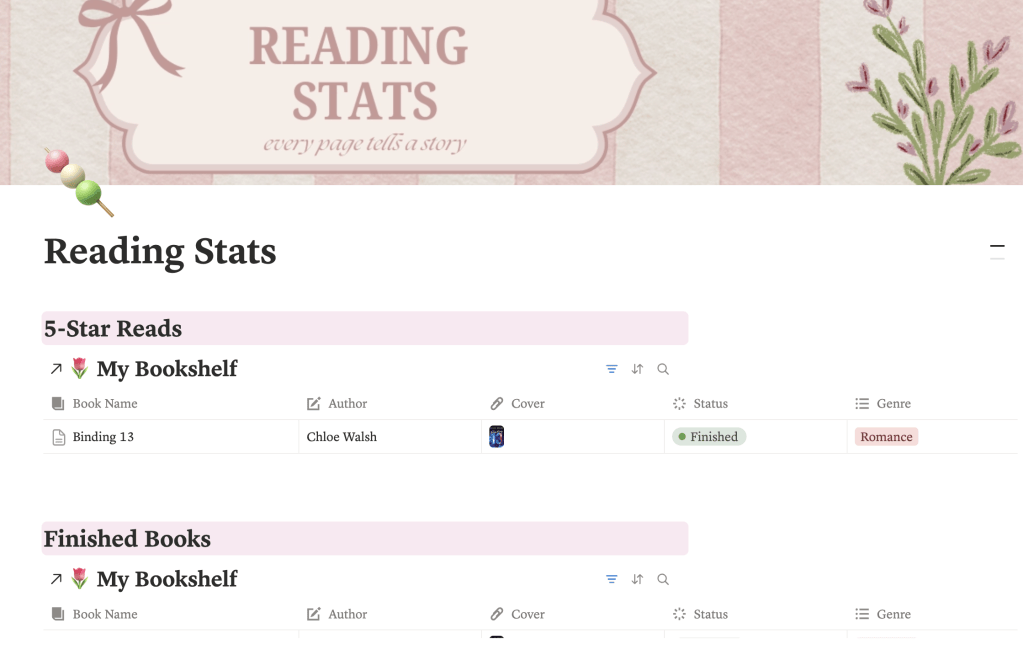
The Reading Stats section allows readers to reflect on their progress and celebrate their reading accomplishments. With dedicated spaces for finished books and five-star reads, readers can easily revisit their favorite stories.
I wanted this feature to focus on celebrating personal reading milestones rather than just the number of books completed.
Reading Challenges
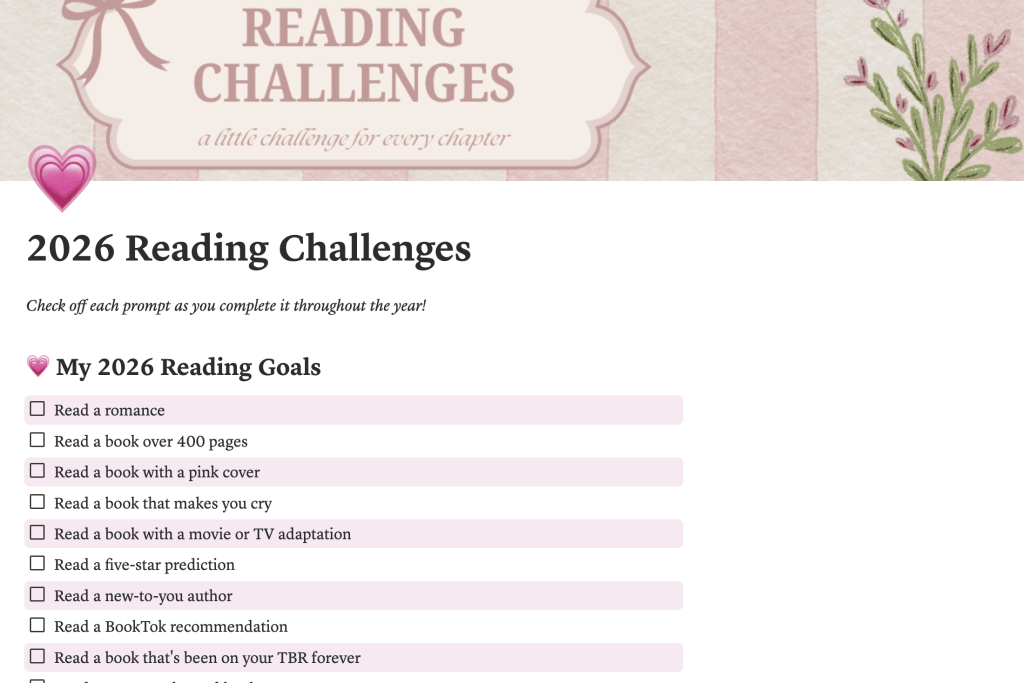
The Reading Challenges section encourages readers to set personal goals, explore new genres, and step outside their usual reading habits.
I wanted to make reading feel more interactive and rewarding while allowing readers to complete challenges at their own pace.
Results & Reflection
Creating The Reading Archive allowed me to turn an idea inspired by my love of reading into a functional digital product. What started as a concept for a more personalized reading journal became a Notion-based space where readers can organize their books, document their reading experiences, and track their goals.
One of my biggest takeaways from this project was learning how to balance aesthetics with usability. While I wanted the journal to have a distinct visual identity, I also had to consider how readers would navigate the different sections and interact with the features. This process helped me better understand the importance of designing a product that is both visually appealing and practical.
Although I am still in the early stages of evaluating the product’s performance, completing the initial version gave me a foundation to build on through future user feedback and improvements.
Project Outcomes
1
Digital Product Created
3
Core Features Showcased
Notion
Product Platform
Future Improvements
While The Reading Archive has developed into a functional digital reading journal, there are still opportunities to improve the experience as the product grows.
User Testing & Feedback
One of my next steps would be to have readers test the journal and provide feedback on its usability, navigation, and overall design. This would help me identify which features are most valuable and where improvements could make the experience easier or more enjoyable.
Expanding Personalization
I would also like to introduce additional customization options, such as alternative color themes, new reading challenges, and more ways for readers to personalize their journals. My goal would be to make The Reading Archive adaptable to different reading preferences while maintaining its simple, organized layout.
Explore The Reading Archive!
Ready to organize your next chapter? Discover a more personalized way to track your reading journey.